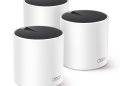

Published: August 12, 2026
Disclosure: This post contains affiliate links. If you buy through these links, we may earn a small commission at no extra cost to you.
Most advice about studying online focuses on habits: the Pomodoro timer, the flashcard app, the 6 a.m. revision slot before a lecture. Almost none of it mentions the thing that quietly ruins all three — the connection that drops in the middle of a live seminar, or the timed assessment that freezes on question fourteen while the clock keeps running.
In a shared house or student flat the problem gets worse, because it is rarely one person on the network. Four or five housemates, each with a laptop, a phone and a streaming account, all pulling from a single router that was probably installed when the landlord bought the place. Add walls, a staircase and a bedroom at the far end of the corridor, and the signal arriving at your desk is a shadow of the one leaving the router.
A mesh system solves this differently from a signal booster. Instead of one transmitter trying to shout through three walls, you place two or three small units around the property and they hand your devices over as you move from the kitchen to your room. Same network name, no reconnecting, and a strong signal in rooms a single router never reached. Here are the five TP-Link Deco systems that make the most sense for student living, from the one most shared houses should buy to the budget option and the WiFi 7 setups worth considering if you want to buy once.
1. TP-Link Deco X55 (3-Pack): The One Most Shared Houses Need
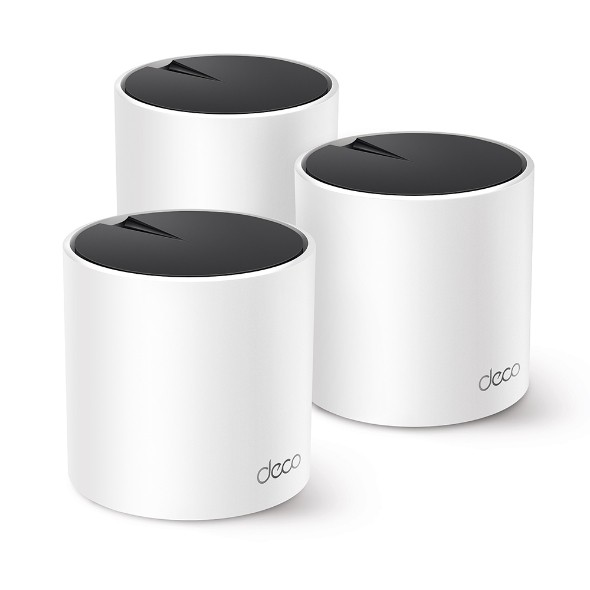
The X55 is the sensible middle of the range: WiFi 6 (AX3000), three units, and enough capacity that a household of four or five people can be on video calls at the same time without the router deciding which of you matters least. TP-Link rates the three-pack for coverage of up to roughly 6,500 square feet, which is more than most rented houses need — the spare coverage is what stops the signal dying in the box room.
For studying specifically, the useful part is not the headline speed but the scheduling: WiFi 6 handles many devices at once far more gracefully than an older single-band router, so your lecture stream does not collapse every time a housemate starts a download. It also has two Ethernet ports per unit, which matters if you sit exams online — a cable beats WiFi for stability every time.
Check the Deco X55 3-pack on Amazon →
2. TP-Link Deco X50 (2-Pack): For Smaller Flats and Room-by-Room Coverage
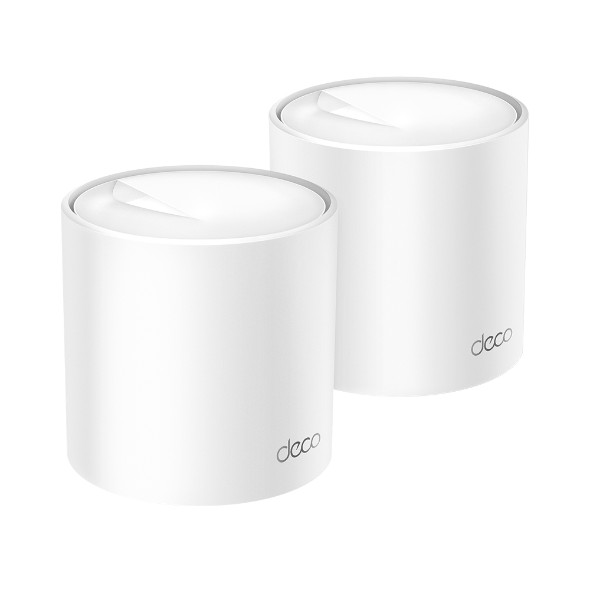
If you are in a two-bedroom flat or a smaller student unit, a three-pack is overkill and the money is better spent elsewhere. The X50 two-pack is also AX3000 WiFi 6, so the per-device experience is essentially the same as the X55 — you are trading coverage area, not speed. One unit next to the router in the living room, one in the corridor between the bedrooms, and the dead zone at the back of the flat usually disappears.
It is the pick for a couple sharing a flat, or a single student who wants the study desk and the bedroom both covered without paying for a third unit that would sit unused.
Check the Deco X50 2-pack on Amazon →
3. TP-Link Deco X10 (3-Pack): The Budget Pick That Still Covers a Whole Flat
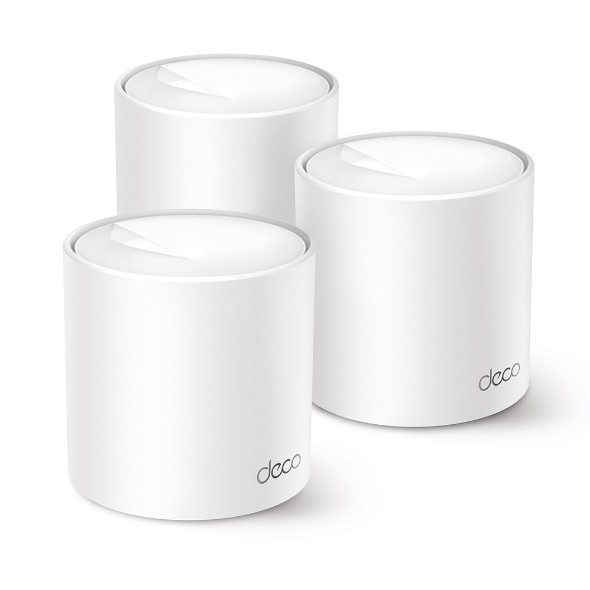
If the only goal is a reliable signal in every room without spending much, the X10 three-pack is the value option. It is AX1500 WiFi 6 — slower on paper than the two systems above, but comfortably enough for HD lectures, reading, video calls and coursework uploads. TP-Link lists coverage up to about 5,600 square feet for the three units with support for up to 120 devices, which is far beyond what a student household will ever connect.
Where you notice the difference is heavy simultaneous use: several people streaming 4K while someone else uploads a large file will strain it sooner than an AX3000 system. For a flatshare where the internet is mainly coursework, calls and streaming in the evening, it is hard to argue with the price.
Check the Deco X10 3-pack on Amazon →
4. TP-Link Deco BE3600 (3-Pack): WiFi 7 Without the Flagship Price
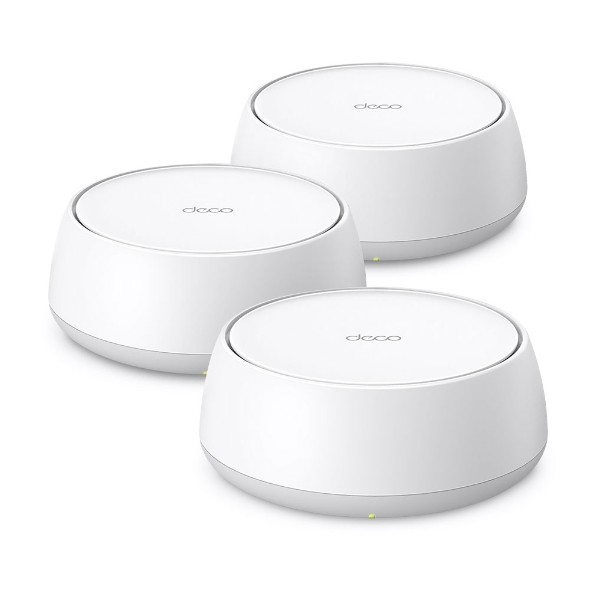
This is the step up if you would rather buy once and keep the system for the rest of your degree. The BE3600 three-pack is WiFi 7, which matters less for raw speed today and more for what happens when every housemate adds another laptop, console or smart speaker: newer wireless standards handle crowded networks with far less contention than WiFi 6 does.
Three units in a shared house means the kitchen, the corridor and both ends of the bedroom floor all have their own access point, so nobody is fighting for the same slice of signal at 9 p.m. If you are renting somewhere you plan to stay for two or three years, the extra cost per year is modest compared with replacing an entry-level system halfway through.
Check the Deco BE3600 3-pack on Amazon →
5. TP-Link Deco BE65: For Heavy Users and Bigger Houses
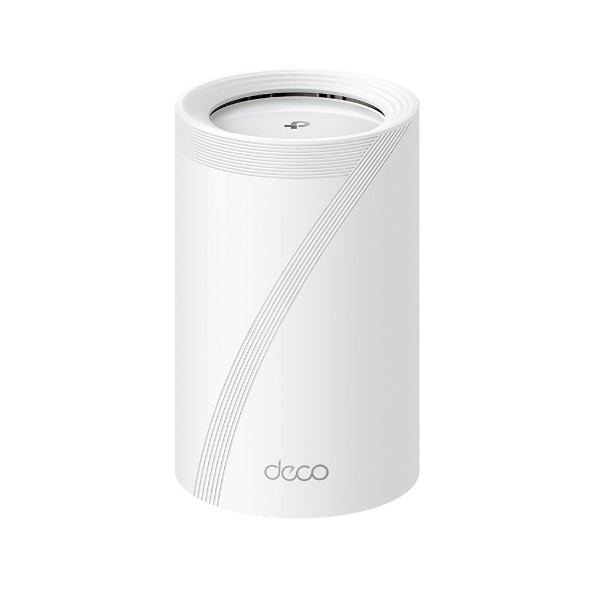
The BE65 is the top of this list and, for most students, more than you need — but it is the right answer in two situations: a large multi-floor house where the router sits at one end, and a household where someone is regularly moving very large files while others are on calls. It is WiFi 7 with a multi-band design, so the network can keep several high-demand devices on separate lanes instead of queuing them behind each other.
Worth being honest about the trade-off: this is the most expensive option here and the benefit over the BE3600 only really shows up under heavy load. If your internet is coursework, lectures and evening streaming, put the money towards the three-pack instead. If you are in a five-bedroom house with a gamer, two remote workers and a 4K habit, it stops being overkill.
Check the Deco BE65 on Amazon →
Four Things That Matter More Than the Model You Pick
Placement beats specification. A cheap mesh unit in the right spot outperforms an expensive one hidden in a cupboard. Put units out in the open, roughly halfway between the router and the room that currently has no signal — not next to a radiator, a microwave or a fish tank.
Use a cable for exams. If you sit timed assessments online, plug the laptop into one of the Ethernet ports. It removes an entire category of failure that no amount of WiFi 7 can promise away.
Agree on download hours. Game updates and large media downloads are what actually kill a shared connection during the day. Overnight scheduling costs nothing and fixes most of the household’s complaints.
Check the price before you buy. Amazon UK pricing on mesh systems moves around a lot, and the three-packs in particular swing by a surprising margin between sales. The links above go to the current listings, so it is worth a look even if you are only planning ahead for the next academic year.